I’m intrigued by the possibilities for new interfaces things like Google Street View bring up. I was expecting full walkable VR setups and that sort of thing, but the projects that have actually been implemented are a bit more humble.
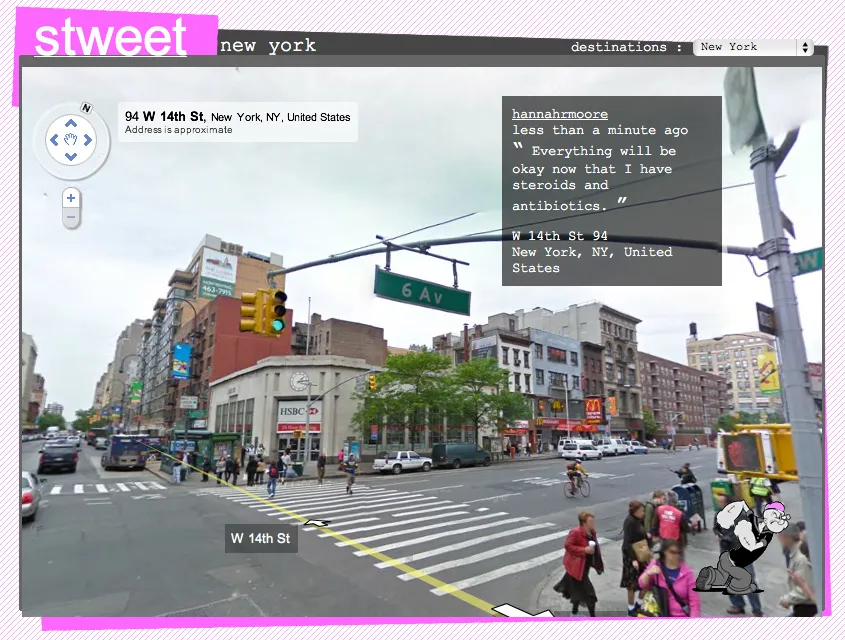
Here’s Tokyo Jogging a clever (if low frame rate) pairing of Street View and the WiiMote.
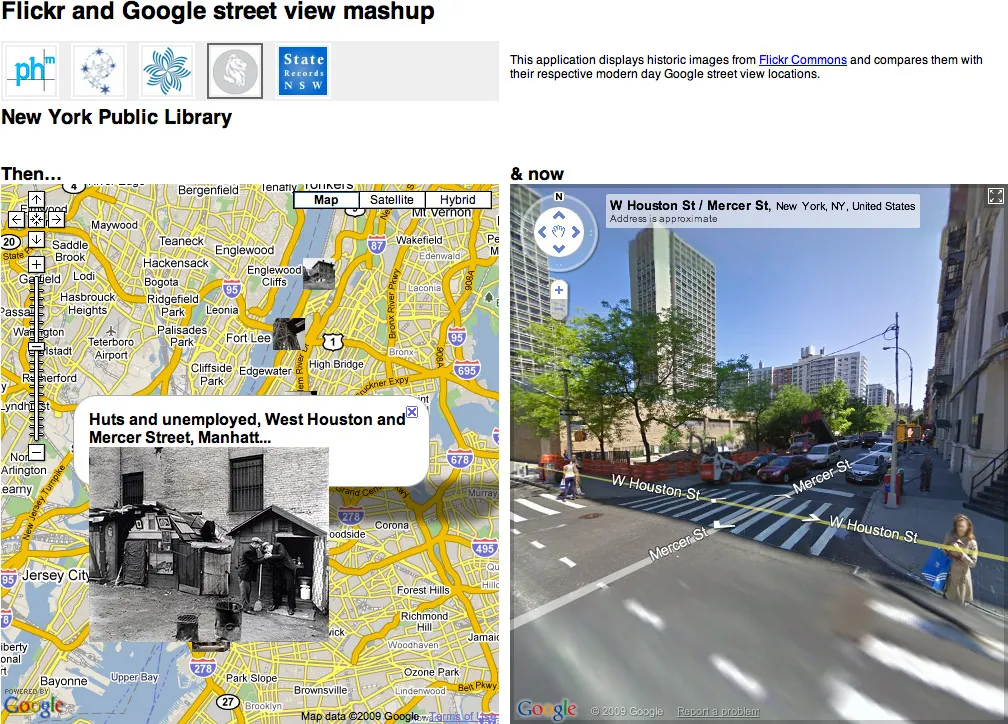
Stringing together Street View frames to create animation:
Pseudo-augmented reality panning interface. (This one’s pretty old — and while it makes a good demo, actually using it might be too much work compared to the iPhone’s more practical implementation.
Finally, I wanted to explore retracing a GPS-logged route using Street View for my response to Red’s M5 bus assignment. The results were a bit strange, but I think it brings up some of the contention between actually being somewhere and settling for Google’s approximation.
If anyone’s interested in exploring Street View in code, here’s a bit of processing code I wrote which will attempt to download and composite the panoramic image for any given address to lat / lon pairing.
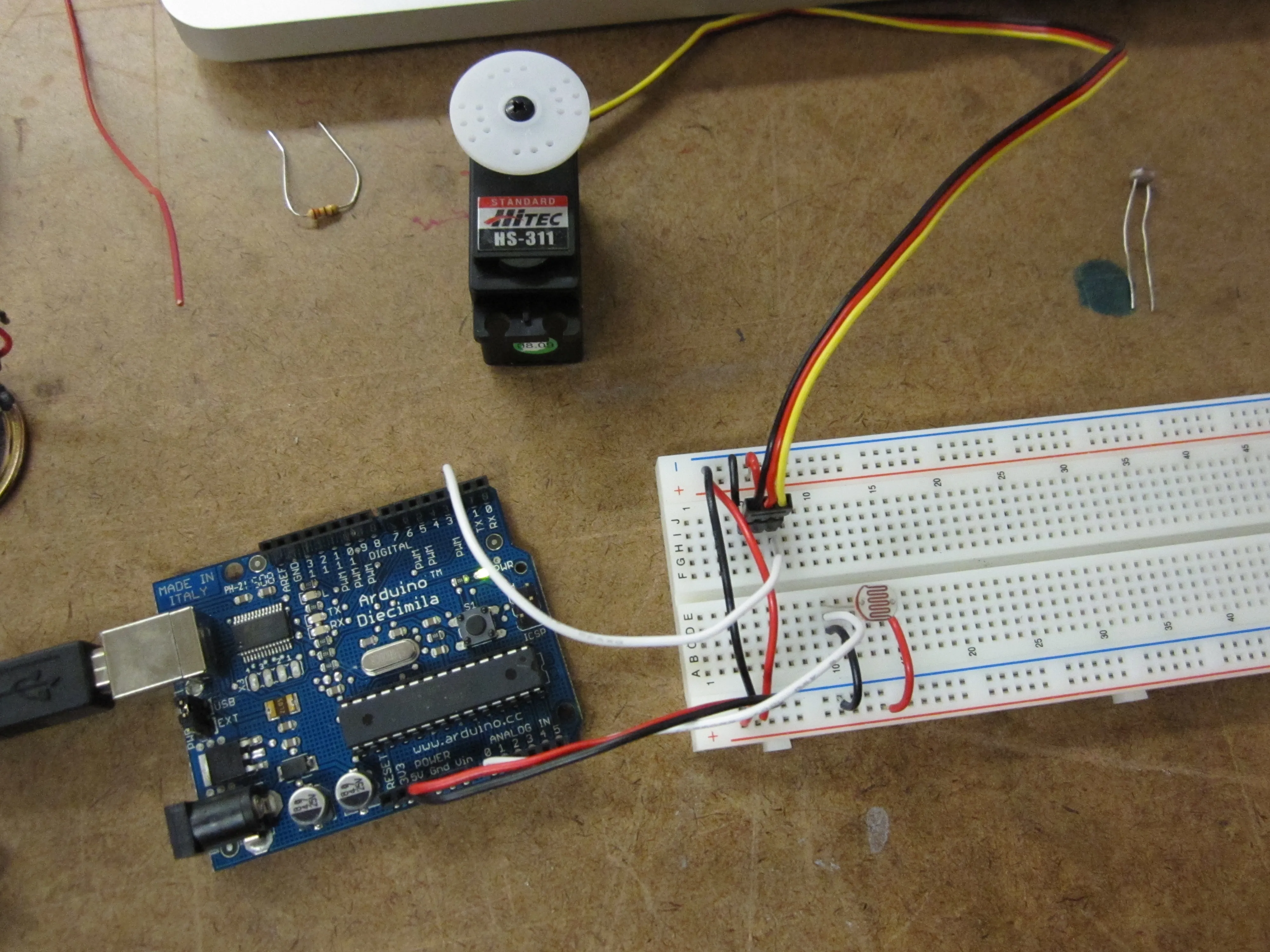
I ended up using an LDR as an analog input to set the position of the servo.
Then I switched to a pot for finer control over the servo position. Worked great as a makeshift camera panning platform:
Update: The old long-form pulse method ended up being really useful, since my Digital Combination Lock needed to use a servo and the tone library at the same time. It turns out that both the servo library and the tone library use up the Arduino’s available timers… so the only way to use both simultaneously was to fall back to the pulse method outlined in 4.1.
The photoresistors gave me an input range from 33 to 668.
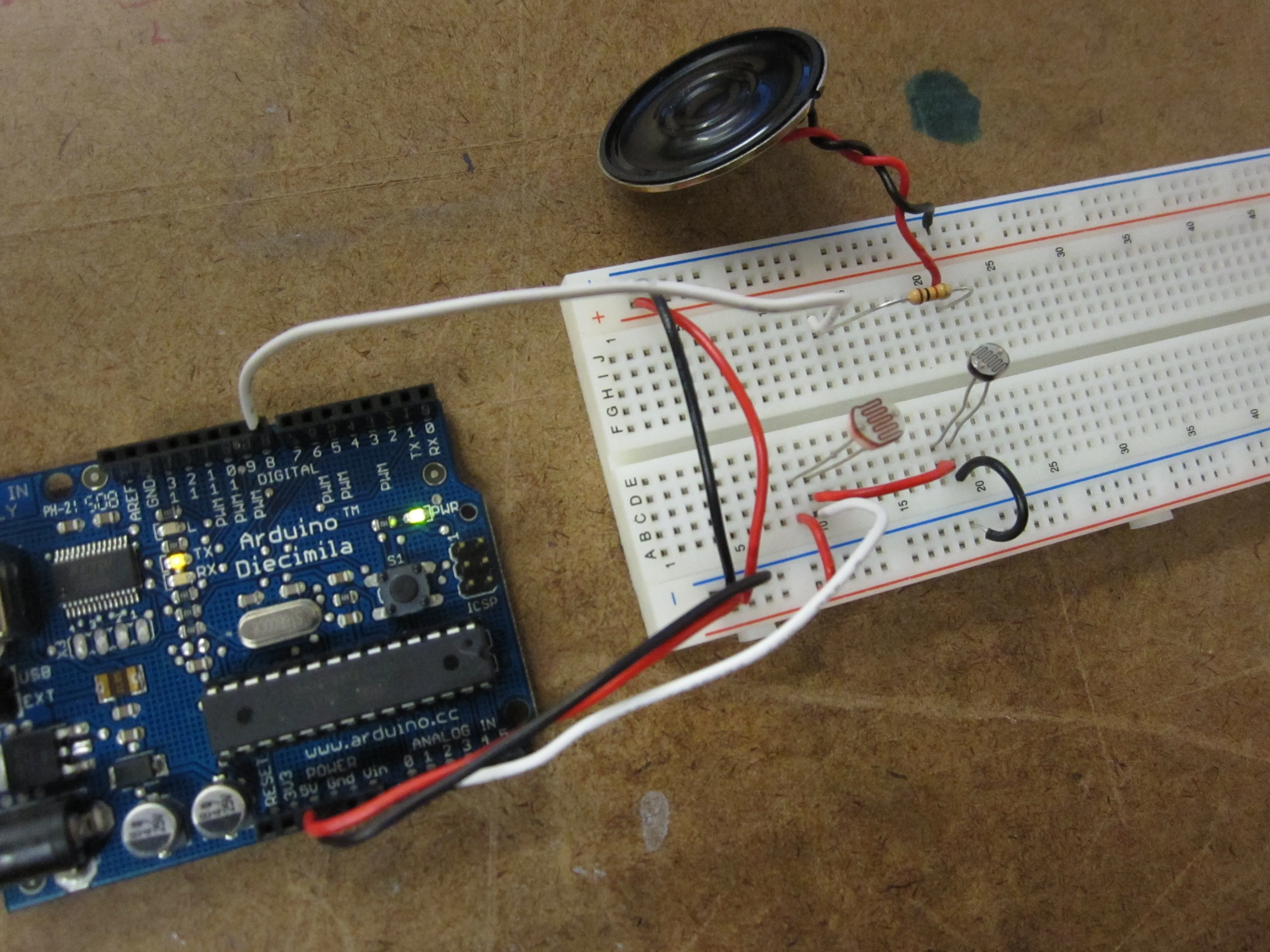
I could only scrounge up a 16 ohm speaker. It was really quiet, so I substituted a 220 ohm resistor in place of the 1K ohm resistor specified in the schematic. This gave the volume a bump.
Basic tone production using a photocell-based voltage divider
M5 bus route as seen by Google Street View, with each panorama synced to the GPS log from my trip and time-scaled to 1/100 its original duration.
Concept
Beyond the changing neighborhoods, demographics, architecture, gentrification, etc., the thing that struck me most about the M5 was the pace and aesthetics of the trip. The bus is a truly strange thing to take in New York — particularly the M5, which one could easily substitute for a ① train. Buses are slower than the subway if you’re heading uptown or downtown, and often slower than walking if you need to go crosstown. The contrast between the lazy pace of the bus (we averaged 7 mph) and the rush of the city outside the window was disorienting.
Yet taking the bus connects the rider with the city. Conversations are overheard, ridership changes from neighborhood to neighborhood, stops are missed, etc. I wanted to use Google’s images to explore and subvert this connection between person and place. Living in New York represents a commitment to place and physicality — it’s overpriced, it’s cramped, it’s a lot of work — but we deal with it for the sake “being there” and sharing the experience. Google’s Street View suggests that we don’t have to leave our chairs to see a place, and flattening Google’s 360° panoramas to fit in a rectangular frame (as done for the video) takes this further, suggesting that we don’t even have to swivel our heads.
Essentially, I used Google backwards. Instead of using Street View for reconnaissance or as an alternative to making an actual trip, I used their service to outsource the documentation of the bus ride I had already taken. The result is a complete departure from the actual experience: An hour and 40 minutes spent on a bus in the physical world is compressed into a 60 second approximation; a digital copy of my analog trip on the M5.
Technique
I ran a geo-tracking application on my iPhone for the length of the bus ride. After the trip, I downloaded all of the lat / lon / time coordinates and fed them into a Processing program I built to place the points on a map and interpolate points in between those captured by the phone. (In this manor 447 original waypoints from the trip were extrapolated into 1490 film frames.) I was careful to keep the time coding intact, so that the pace of the video — while accelerated — would be true to the pace of the bus ride. From there, I sent the data to another bit Processing code written to query Google and download, composite, and save the imagery from their Street View feature for every lat / lon point logged in the previous step. Next, one more Processing program glued together the stills in sequence to create a video.
I’ll post my code shortly in case it’s of use to other ITP students or other others. The Street View-scraping program, in particular, demonstrates the how trivial (and handy) it is to eavesdrop on HTTP headers and reverse-engineer a simple API like the one Google uses to load Street View source images.
The resulting video wasn’t quite what I expected — my attempt to capture the halting pace of the trip by adjusting the frame rate to reflect the speed of the bus at different points along the trip ended up looking more like a bandwidth-related glitch than an intentional effect. Also, the GPS signal I used to map the points was pretty noisy, and tall buildings cut the signal strength down considerably. In midtown, the position jumps around, shaking the resulting video around and cutting from block to block, destroying the sense of forward motion — in one sense it’s an honest reflection of midtown’s packed streets, but in another sense there’s something satisfying about such a security-camera-filled and densely networked part of time falling off the GPS radar.