In preparation for an AfterEffects project, I set out to free the SimCity 2000 building tiles from their binary confines. I wanted every building in the game on a transparent background. Here’s the final working set I ended up with:

Getting all of the assets in shape for AfterEffects turned out to be a bit of an ordeal. My initial plan was to do something clever, like writing a parser for the mysterious “.mif” file format in which Maxis embedded their tile data. A thorough Googling turned up no documentation or existing hacks for the file type. Poking through the bytes with my trusty hex editor also failed to bring enlightenment. Since MIF is ostensibly a graphics format, in a final act of desperation I attempted to interpret the bytes as pixels via Photoshop, again with no success. It’s not even an autostereogram:
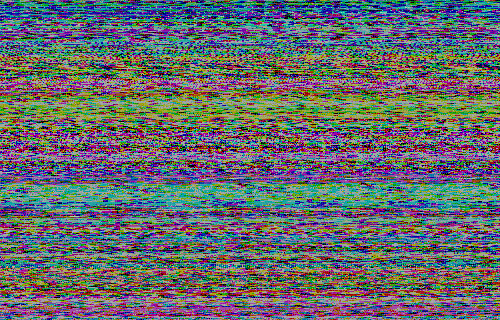
(This dead-end detour did bring to mind the need for a tool that can take the friction out of rapidly reinterpreting large binary files as pixel data… being able to “tune” the dimensions / header length / byte order of the image parser in real-time whilst looking for the emergence of some kind of pattern or representational content in the pixels could be useful, or at least of conceptual interest. I’ll add it to the project queue.)
In the end I resorted to a mandraulic approach: selecting each building in the Urban Renewal Kit, exporting a BMP for each, and sending the results through a number of Photoshop batches to place them on transparency, resize, etc.
Not exactly clever, but it worked.